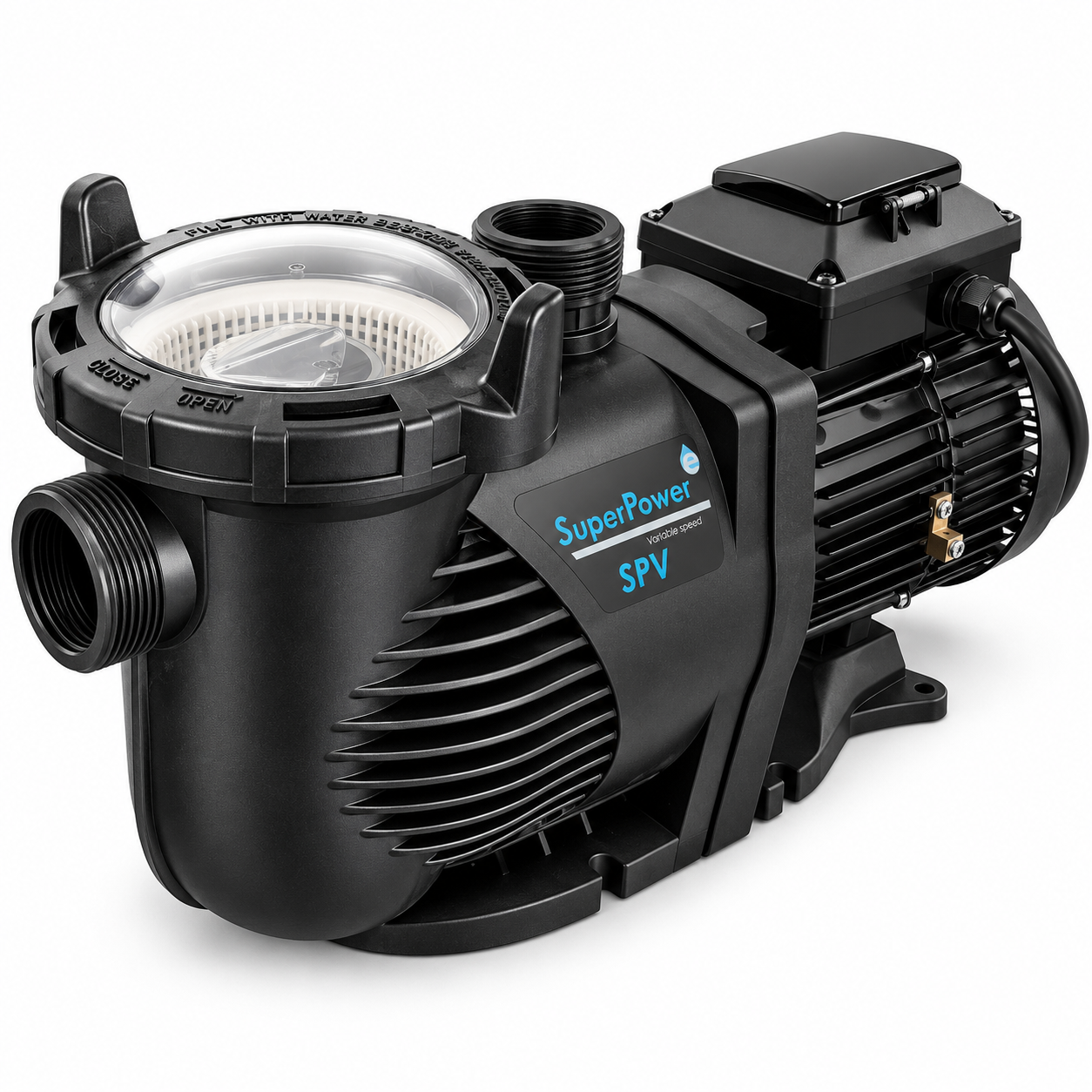
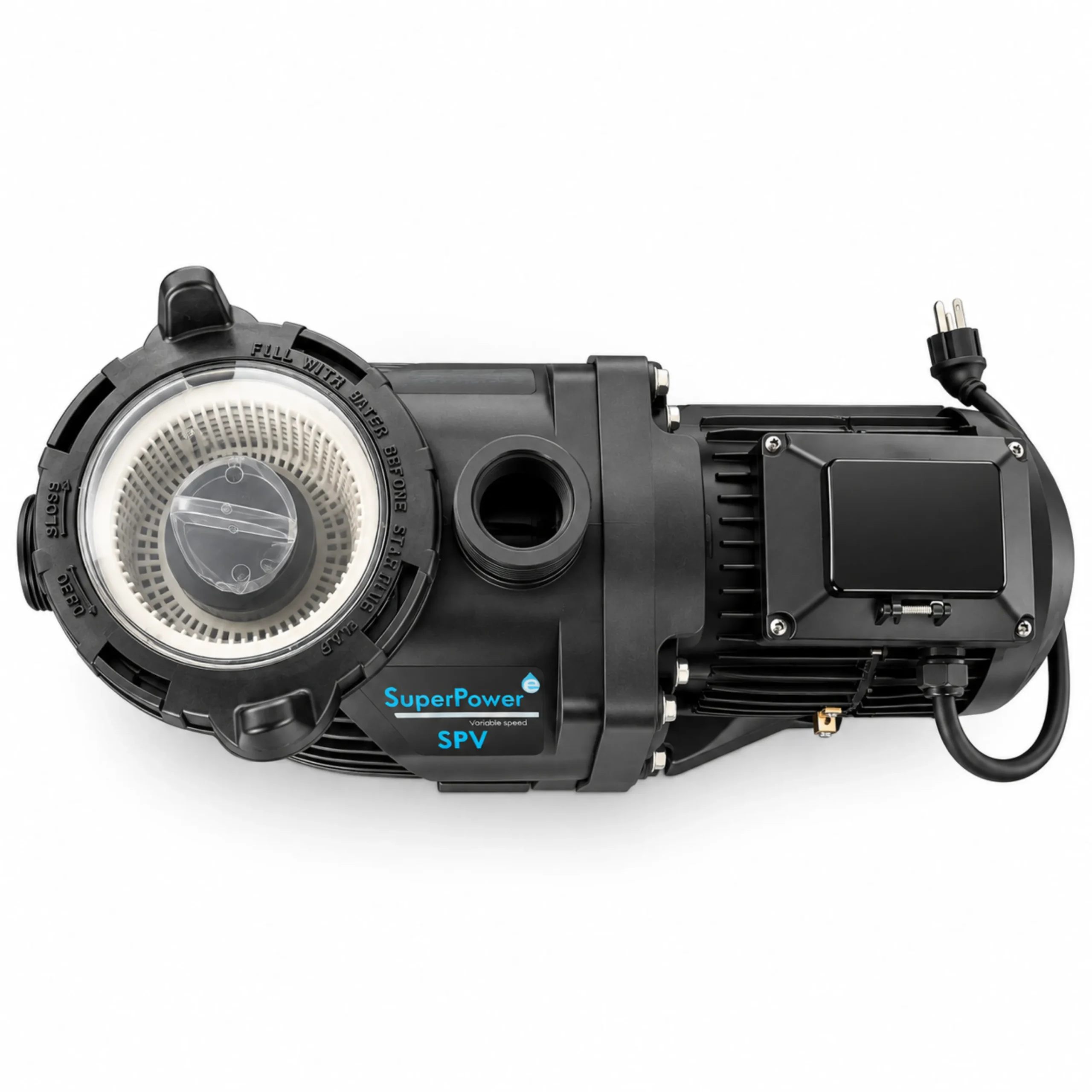
SUPERPOWER SPV125: controls the pump’s operating speed
The SUPERPOWER SPV125 It allows the pump’s operating speed to be adjusted to suit the different requirements of the system.
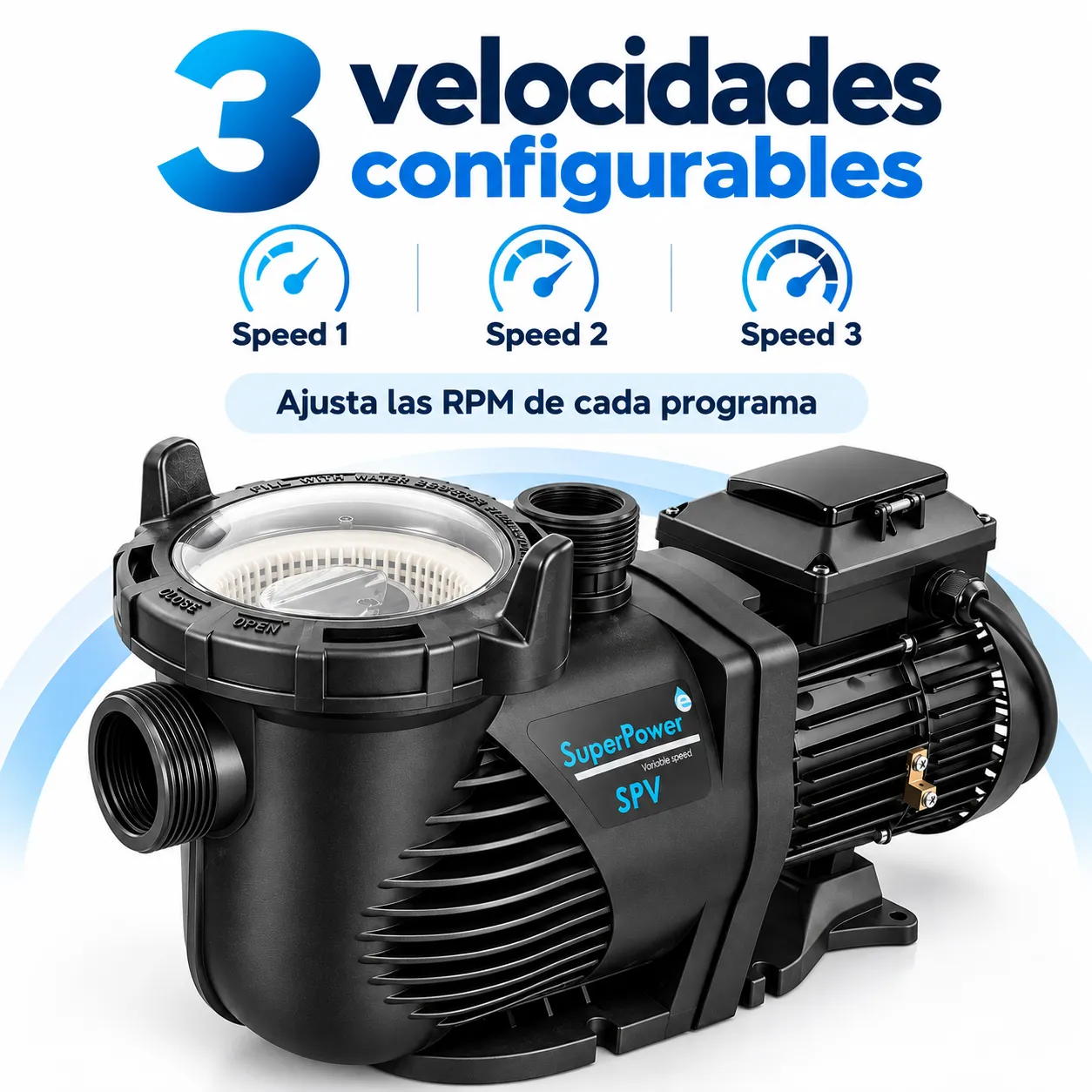
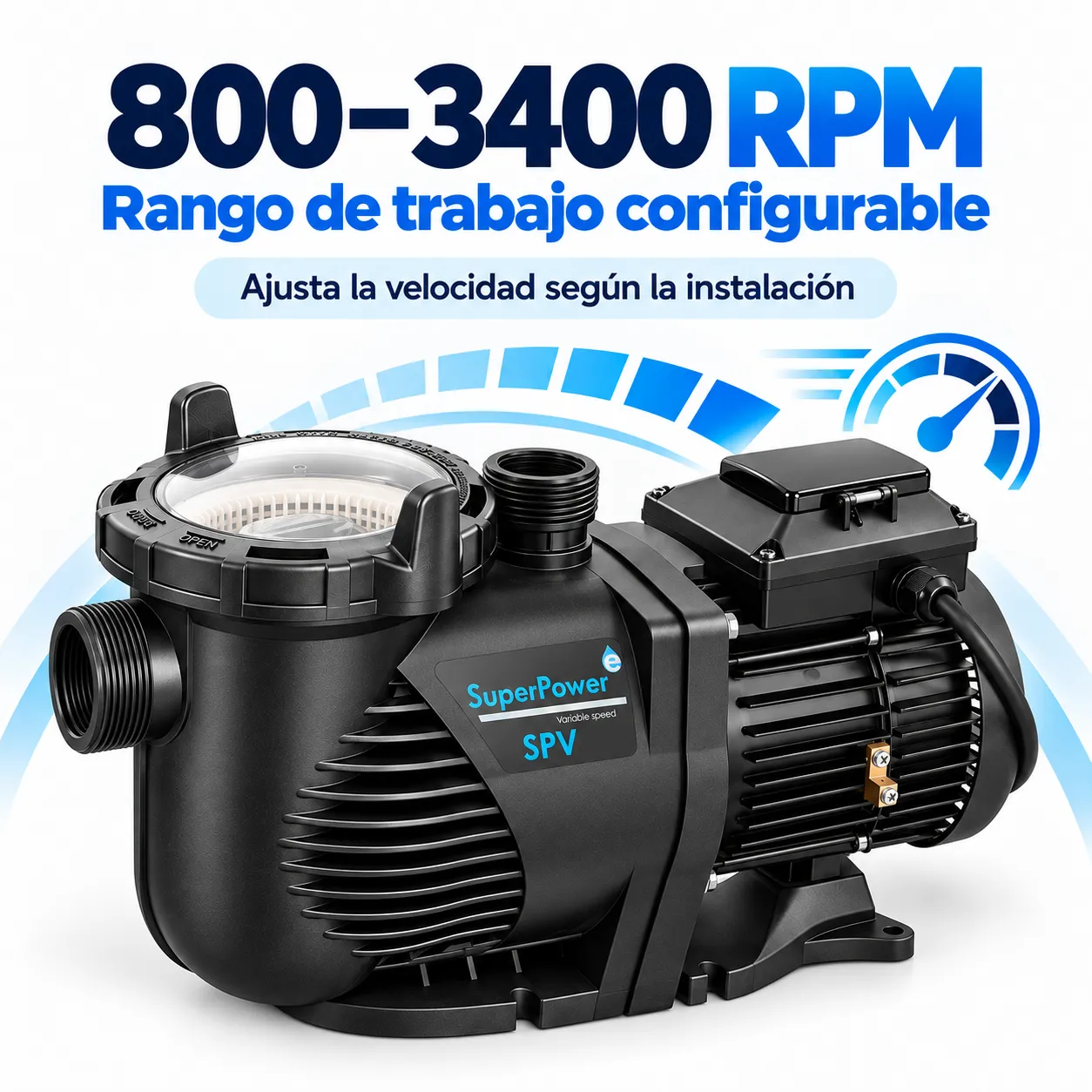
It has three speed settings: Speed 1, Speed 2 and Speed 3, the speed of which can be set within the operating range specified for the equipment, from 800 to 3,400 rpm.
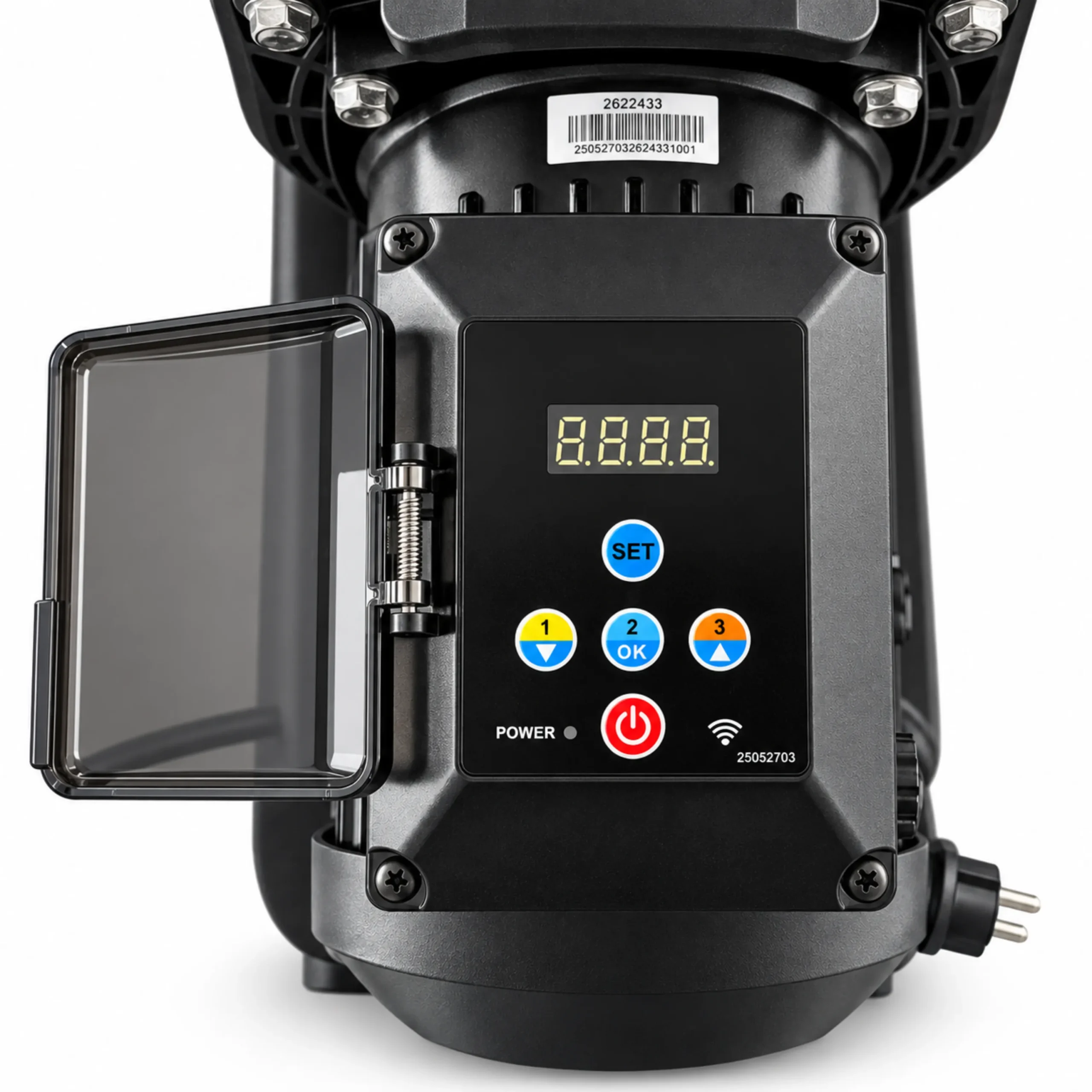
You can start or stop the unit using the button on the pump panel itself RUN/STOP and select one of the three operating programmes.
Three configurable speeds
The three programmes allow you to set different operating levels:
- Speed 1 It is designed for daily filtration, with a focus on efficient and quiet operation.
- Speed 2 It can be used as a backup speed.
- Speed 3 It is designed for high-speed operation, such as washing or occasional use.
The revolutions for each of the three programmes can be set and saved in the pump itself.
Control via MOVILPOOL
The SUPERPOWER pump can be added to MOVILPOOL, the app specified in the manual for remote control.
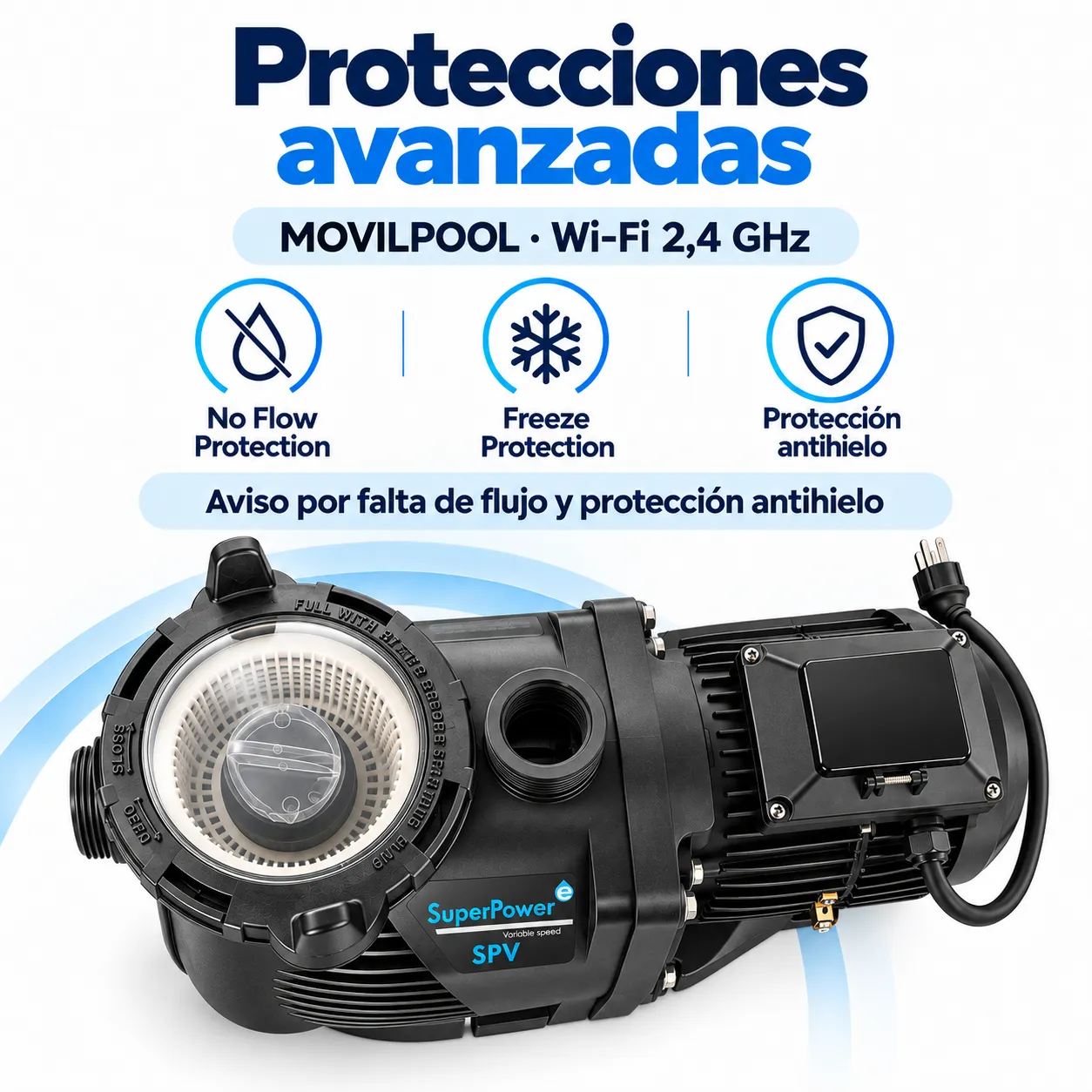
To establish the connection, the pump must have sufficient Wi-Fi coverage and use a network 2.4 GHz. The manual states that a 5 GHz network must not be used during setup.
Scheduling of operating hours
MOVILPOOL allows you to set automatic operating times for the pump.
In each time slot, you can select one of the programmes Speed 1, Speed 2 or Speed 3 and set a start time and an end time.
The extended manual explains how to configure up to 4 times a day, allowing the different speeds to be spread out over the course of the day. SuperPower SPV125 Manual
This allows different speeds to be used depending on the circumstances and the intended use of the installation.
Initial priming function
The SUPERPOWER has a function Priming, intended for priming the pump.
When starting from a standstill, the pump may temporarily increase its speed to expel air from the circuit. This behaviour is part of the priming process described in the manual. The time and RPM used during this process can be configured via MOVILPOOL.
The manual recommends keeping this function switched on to help ensure that the pump fills completely with water after it has been switched off.
Low flow warning
The function No Flow Setting allows you to enable an alert regarding the absence of water flow.
The alarm time can be set so that the system triggers an alert once the specified period has elapsed without any flow being detected.
Frost protection
The pump also features the function Frost Protection.
This function allows you to set:
- Temperature.
- Revolutions per minute.
- Operating time.
When the pump is switched off and the temperature drops to the set value, it can be switched on for the set duration and at the set speed to help protect it from freezing.
Custom speed setting
The MOVILPOOL settings also include Feature Speed Setting.
This function allows you to set the RPM to vary automatically between minimum and maximum values within a specified range. Manual_SUPERPOWER_SPV125_MOVILP…
The manual states that this mode is not recommended for routine pool filtration and is recommended for display purposes.
Key functions of SUPERPOWER
The pump has the following functions, as described in the manual:
- Operating range of 800 to 3,400 rpm.
- Three configurable speed programmes.
- Control via the pump panel.
- Remote control via MOVILPOOL.
- 2.4 GHz Wi-Fi connection.
- RPM display.
- Display of power consumption in W.
- Timetable planning.
- Up to four time slots per day.
- Priming function.
- No Flow Notice.
- Frost protection.
- Feature Speed Setting function.



 Español
 English (UK)
 Français
 Português